Design your own data
Create Objects, data fields and relationships to properly reflect the business records that need to be managed.
Special data does not have to be forced into the structure of a fixed software.
Cogover Custom Apps
From order management, purchasing, warranty to work or dealer portal, businesses can start with real data, roles and workflows and build the right application.
See how a Cogover application can start with task management and scale to other business use cases.
Watch on YouTubeFEATURE HIGHLIGHTS
Create Objects, data fields and relationships to properly reflect the business records that need to be managed.
Special data does not have to be forced into the structure of a fixed software.
Design create, view and edit forms; hide, show, or conditionally require fields.
Each user group sees the correct information needed for the job.
Use Cogover Process to coordinate tasks, branches, notifications, and data actions.
The application not only saves data but also sends work to the right flow.
Decentralize permissions by role, data rules and track changes in important fields.
Know who has the authority to do what and how records have changed.
Create filters, reports, and dashboards from your app's data.
Monitor indicators consistent with your own operating model.
Integrate websites, mobile apps, ERP or other systems through REST APIs and HTTP workflow steps when in scope.
Custom applications can participate in the existing data ecosystem.
HUMAN–AI
AI supports turning requests into drafts; Business and IT people check data, permissions, and exceptions; Cogover provides the platform for configuration and operation.
AI helps create quick starting points; The business owner still decides on the final structure.
State the objects to be managed, their roles, status and desired results.
Suggest Objects, fields, relationships, forms, reports and initial workflows.
Create data structures, layouts and flows according to the selected range.
Check real-life situations, correct terminology, rights and exceptions before use.
The current document or diagram becomes the input for analysis, not the automatically accepted copy.
Share descriptions, diagrams, forms and exceptions.
Separate steps, data, roles, conditions and approval points.
Represented into forms, tasks, gateways and data actions.
Test run real data and decide if the workflow is eligible for publication.
AI synthesizes usage signals; The Product Owner selects valuable changes and controls the impact.
Save tickets, responses, status and application processing history.
Summary of recurring themes, sticking points and suggested priorities for consideration.
Assess impact, select changes and determine acceptance criteria.
Update configuration, permissions or workflow according to approved version.
FLEXIBLE CUSTOMIZATION
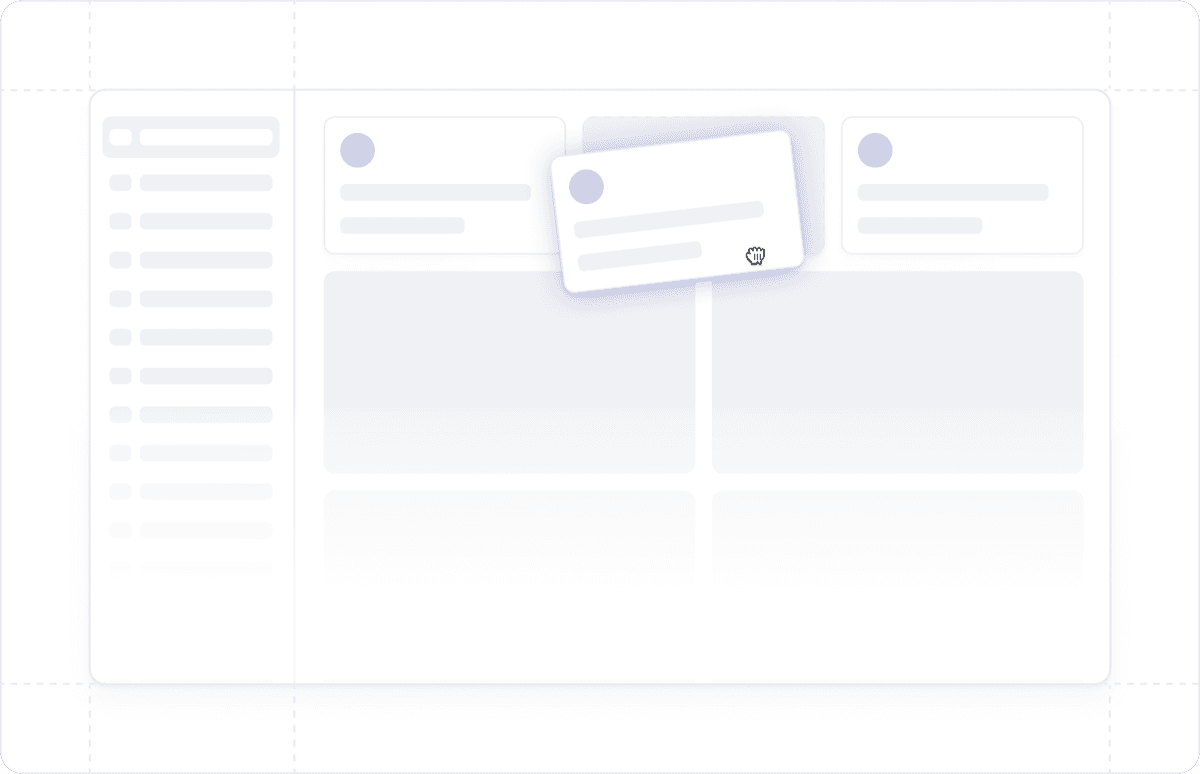
Freedom to design data, interfaces and processes that suit the way the business operates, without being constrained by a fixed software structure.
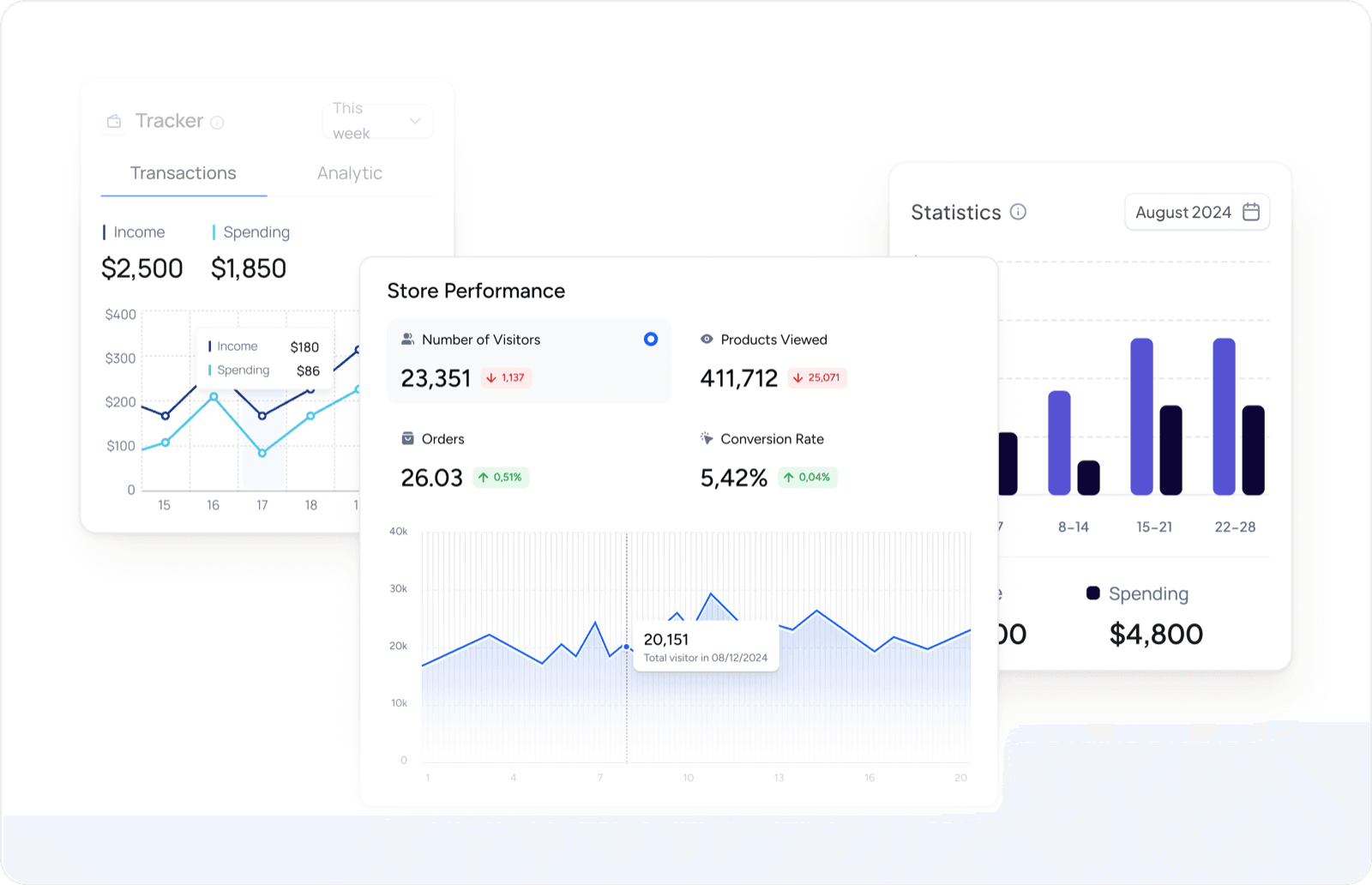
Proactively design reports and dashboards to have a 360° view of customer data and sales activities.
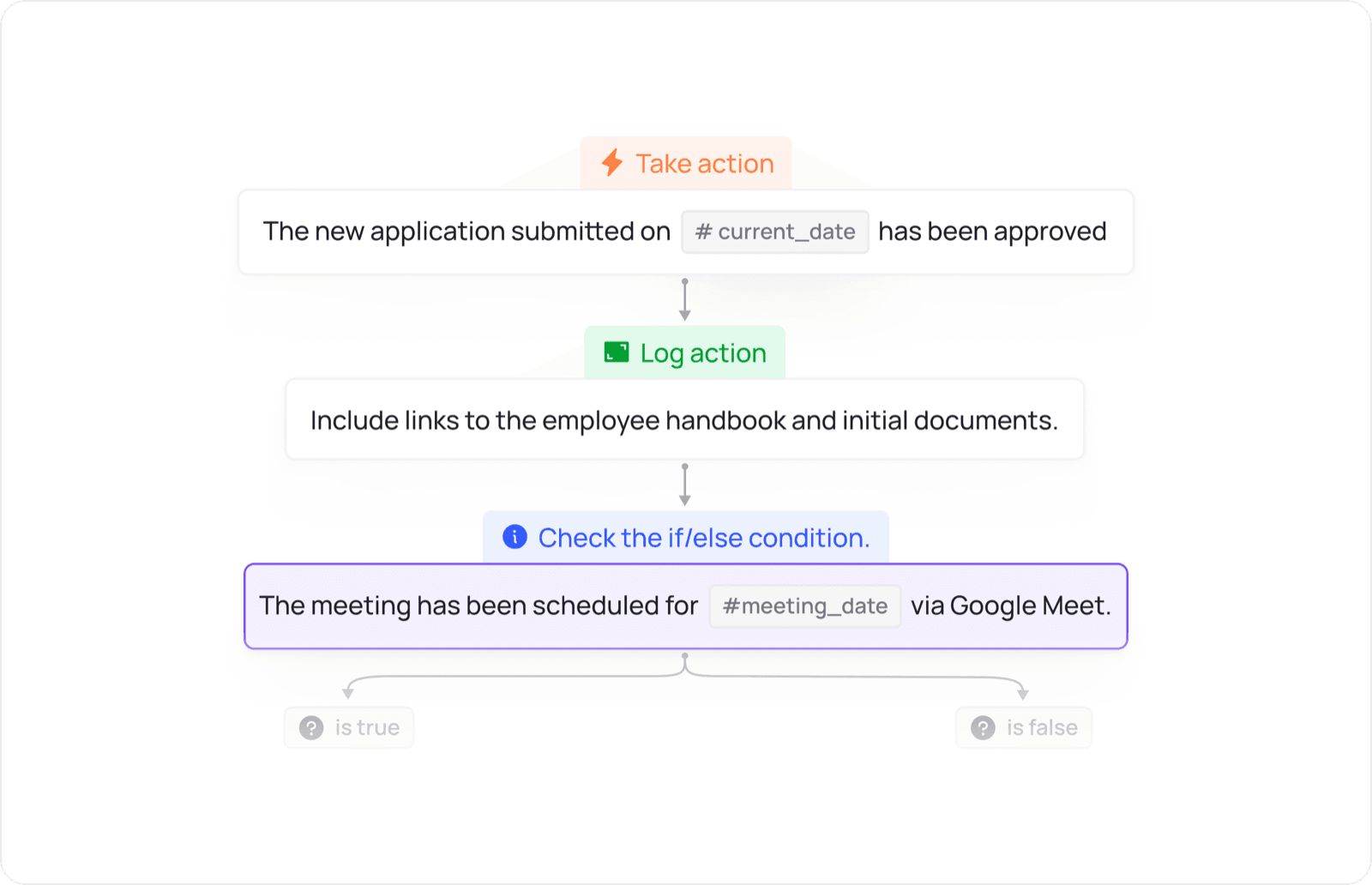
Design the flow of allocation, approval, reminders and inter-departmental actions according to the operating conditions of the business.
Start with one specific problem, real data and a representative user group to identify what is available, configurable or requires integration.


