Structured personnel records
Connect Personnel with extended profiles to manage data suitable for each business.
HR processes use a unified HR context.
Cogover People
Organize personnel records, departments and management structures as a basis for leave, onboarding, expenses, reviews or the business's own HR processes.
See how a common people operation is modeled as a Cogover process.
Watch on YouTubeFEATURE HIGHLIGHTS
Connect Personnel with extended profiles to manage data suitable for each business.
HR processes use a unified HR context.
Department organization, management, positions and roles to support decentralization and finding handlers.
The request is sent to the correct person according to the organizational structure.
Design Objects, forms, statuses, and approval flows for each type of request.
Staff know where the files are and who is handling them.
Assign tasks to HR, management, IT and stakeholders on the same workflow.
Each task has a person in charge, a clear deadline and status.
Limit the scope of viewing and editing records by role, object, and data rules.
Human resources information is shared according to job needs.
Track selected fields such as status, management, or department with before–after values.
Supports checking who changed what and when.
HUMAN–AI
AI helps find information, summarize and prepare documents; people decide on issues affecting personnel; Cogover controls permissions and processes.
Employees start with natural questions, but content and access rights still follow corporate policy.
Ask about policies or want to initiate a request such as leave, update records.
Read records, roles, balances and authorized documents.
Summarize policies, ask for missing information, and prepare requests.
Check content and proactively submit it to the approval workflow.
AI supports creating contextual checklists; HR retains the right to decide the content and participants.
Confirm position, department, manager, start date and specific requirements.
Suggested work, documents and questions that need to be completed according to the existing context.
Create tasks for HR, management, IT and stakeholders according to workflow.
Complete work, update results, and handle exceptions.
AI compares applications with recruiting criteria and explains the fit; HR decides who moves forward.
Define required and preferred skills, experience, and conditions that need attention for the role.
Connect the job requisition, resumes, application forms, and communication history in one flow.
Extract skills, show matches and gaps, and organize the candidate list for HR review.
Read the original application, review the AI explanation, and decide whether to invite the candidate to interview or continue the assessment.
FLEXIBLE CUSTOMIZATION
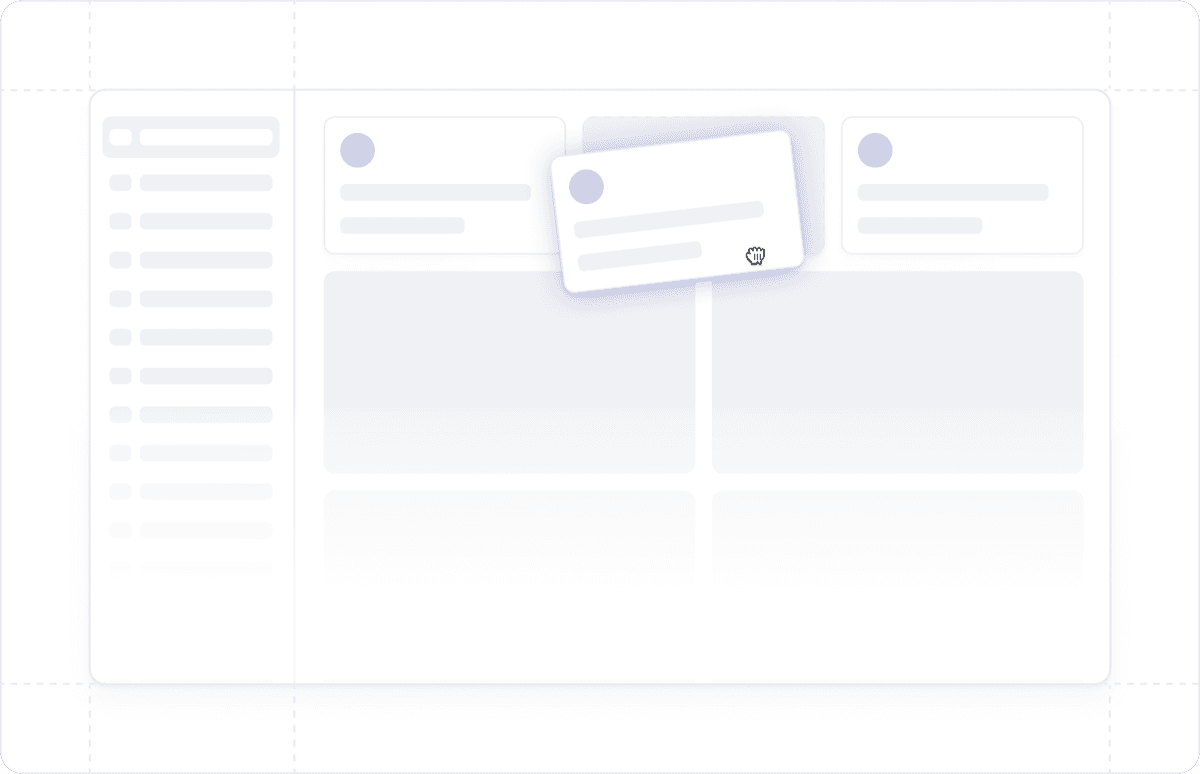
Freedom to design data, interfaces and processes that suit the way the business operates, without being constrained by a fixed software structure.
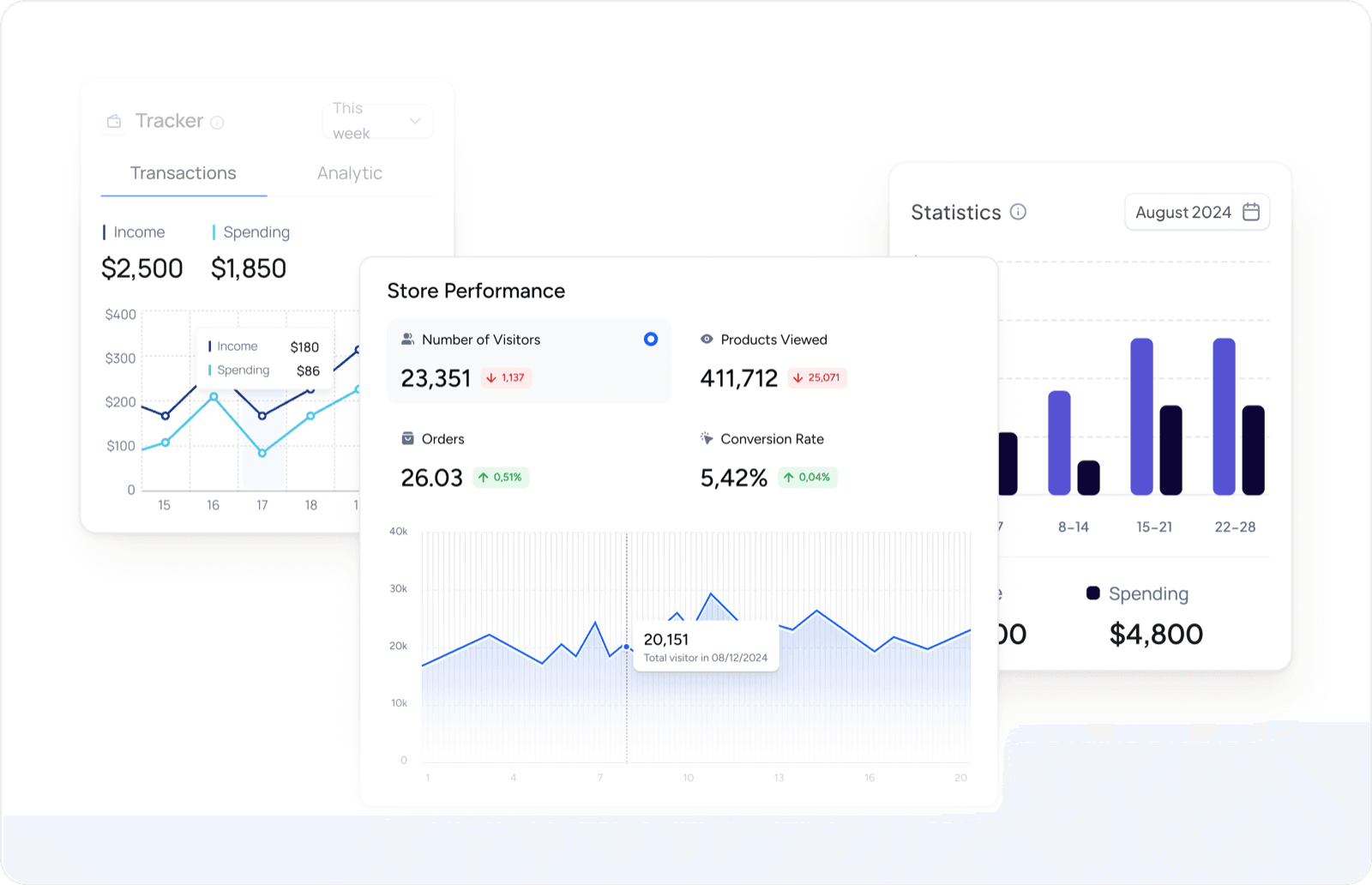
Proactively design reports and dashboards to have a 360° view of customer data and sales activities.
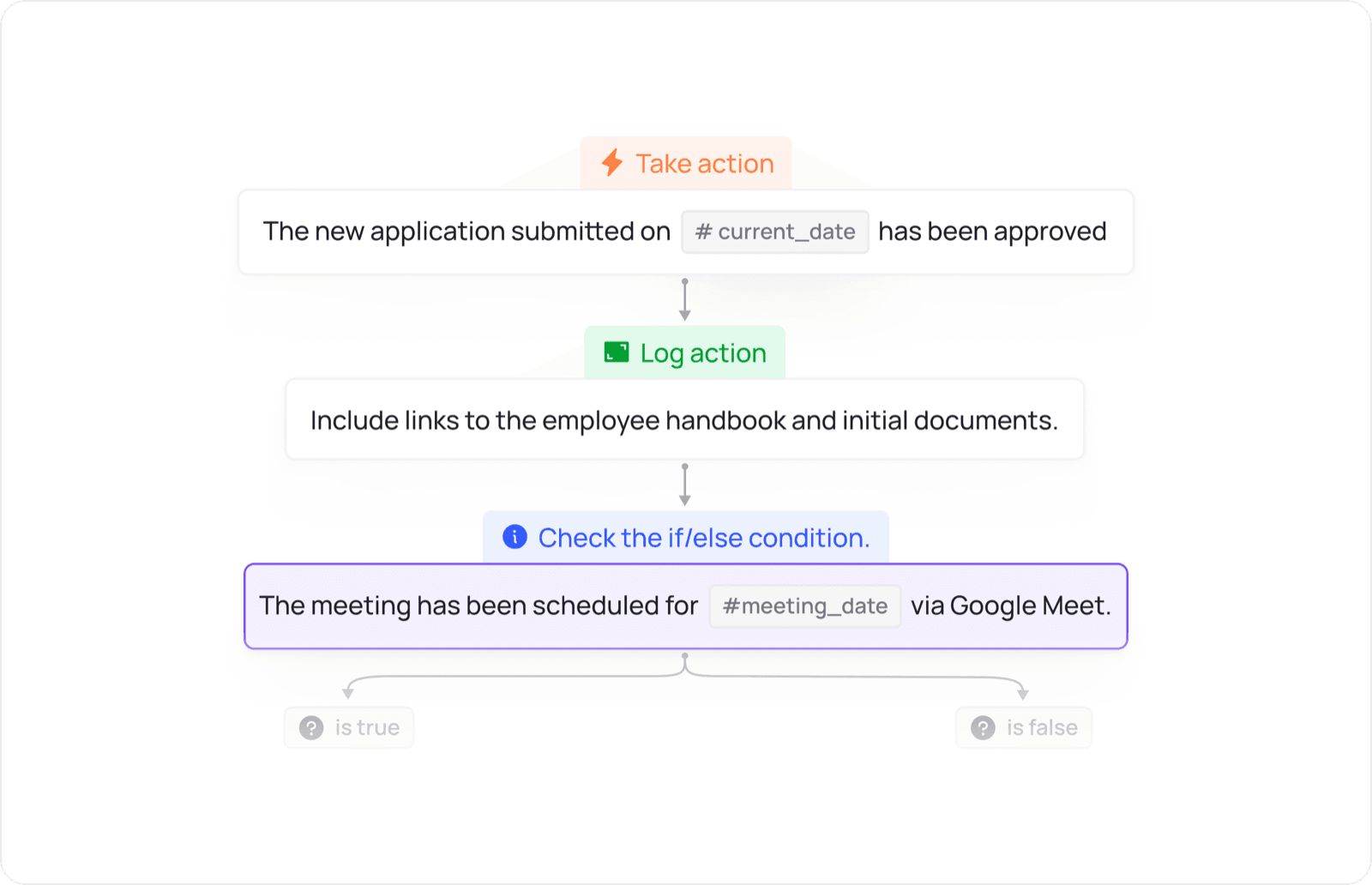
Design the flow of allocation, approval, reminders and inter-departmental actions according to the operating conditions of the business.
UNIFIED PLATFORM
Data and actions move between apps according to configured workflows.
Select a preferred HR process like onboarding, leave, or profile updates to jointly define data, permissions, and approval routes.
 People

