Multi-level BOM
Manage norms by product, variation, standard output and develop demand across many levels of semi-finished products.
See clearly the components and missing parts before proceeding.
Cogover Manufacture
Connect BOM, production orders, raw materials, stages and finished product receipts. Managers can monitor input conditions, execution progress and results of each command.
See how Cogover brings business applications, workflows and AI into one system.
Watch on YouTubeFEATURE HIGHLIGHTS
Manage norms by product, variation, standard output and develop demand across many levels of semi-finished products.
See clearly the components and missing parts before proceeding.
Link products, materials, processes, production centers, source warehouses and finished products warehouses on one order.
Departments follow the same plan and coordinate on unified data.
Create allocation slips and keep information about location, lot, serial and stage of use.
Reconcile the requested, granted and put into production parts.
Record the status, person in charge, start time, end time and actual time of the process.
Identify pending steps and where to coordinate processing.
Completed results are linked to location, batch/serial and finished product receipt.
Reduce discrete reconciliation between reported output and warehoused goods.
Monitor additional installed, recalled components and related warehouse notes when repair operations are within scope.
Keep parts history and inventory results tied to correct repair orders.
HUMAN–AI
AI supports reading signals and preparing plans; person in charge of verification at the scene; Cogover connects orders, materials, processes and history.
The planning team receives the list to be processed first instead of combining BOM and inventory by hand.
Determine the product, expected output and completion date.
Synthesize multi-level demand, loss and available quantity according to configuration.
Group of missing materials, affected stages and options to consider.
Adjust output, schedule or material replenishment plan.
AI reads status and time to focus attention on meaningful exceptions.
Record status, time, output and person in charge of each step.
Mark a long waiting period, lack of input or different progress than planned.
Add practical reasons and decide how to coordinate resources.
Update plans, notify stakeholders and keep track of changes.
Cogover Process activates on schedule; AI analyzes sales and production data to suggest solutions, and managers approve before creating orders.
Launch weekly or according to configured business cycle.
Connect sales orders, historical demand, inventory, open orders and related production results.
Estimate demand by product and period, indicate the difference and then recommend output or when more production is needed.
Check actual orders, capacity and priorities; Adjust the plan before Cogover creates a proposal or work order.
FLEXIBLE CUSTOMIZATION

Freedom to design data, interfaces and processes that suit the way the business operates, without being constrained by a fixed software structure.
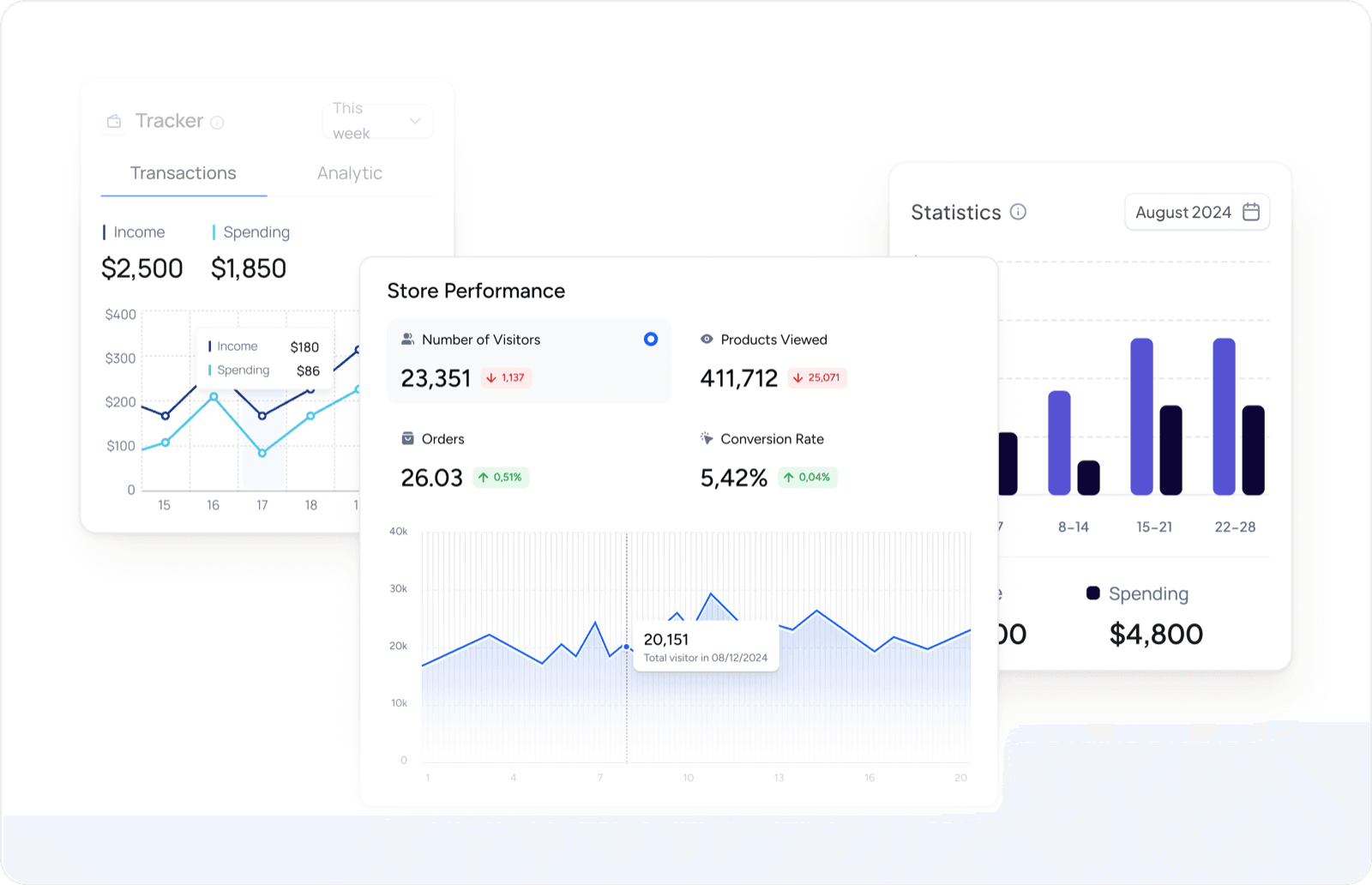
Proactively design reports and dashboards to have a 360° view of customer data and sales activities.
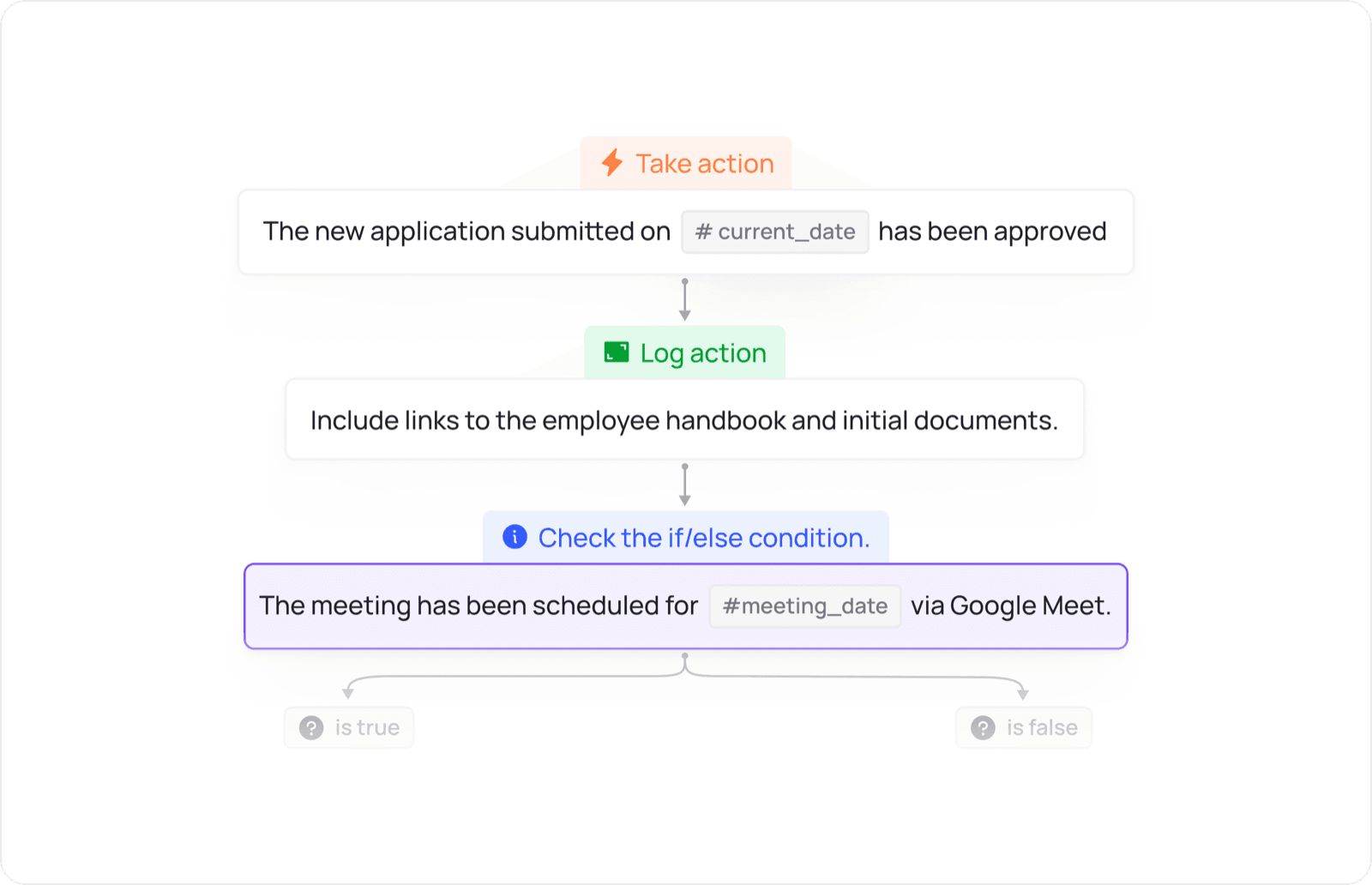
Design the flow of allocation, approval, reminders and inter-departmental actions according to the operating conditions of the business.
Select one product, one BOM and a representative material issue–production–receipt flow to build into a demo.
 Manufacture


