Receive, assign and process conversations from connected channels. Employees work with communication history, customer records and handover status on the same interface.
Manage multi-channel conversations centrally and clearly identify who is in charge
01
Unify multi-channel conversations
Centrally manage conversations from Live Chat, Facebook Messenger, Zalo OA, WhatsApp Business and integrated channels on the same interface.
Employees reduce switching between multiple tabs when following up with customers.
02
Customer profile link
Attach conversations to Lead, Contact and related information in CRM.
Each response begins with complete relevant customer information.
03
Assignments and queues
Move the person in charge or send the conversation to the queue for the router to distribute according to the rules.
Know who is responsible for each conversation.
04
Decentralization by role
Limit the scope of conversations by individual, team, role or channel.
Multiple departments can work together while still maintaining the correct data scope.
05
Full exchange history
Manage messages, files, quotes, labels, viewed status, and delivery milestones.
The person who took over understood what happened without asking again from the beginning.
06
Facebook Comment to Messenger
Manage comments, view original posts, and open Messenger conversations within platform policies.
Connect public interactions with a private advice stream with context.
HUMAN–AI
Employees and AI serve customers together without losing context
AI can receive, advise and take actions within the scope of authorization; humans only take over when information is missing, an exception is encountered, or the customer requests it; Cogover keeps the history and handover rules.
WORKFLOW 01
AI chatbot advises and creates sales orders
AI advises and creates orders according to configuration; Only pass it to employees when there is missing data or an exception is encountered.
STEP 01Cogover opens the conversation
Put AI Agent into the configured channel and provide customer and product data within the allowed scope.
STEP 02AI advises & creates orders
Understand needs, advise on products and create draft orders from confirmed customer information.
STEP 03Cogover checks the condition
Continue automatically when enough data; handover if beyond scope, missing information or customer request.
STEP 04Exception handler
Receive history, clarify missing parts and complete consultation or sales order.
WORKFLOW 02
Prepare appropriate answers for each customer
AI composes drafts from authorized data; The employee is responsible for the content sent.
STEP 01Employee opens conversation
Select the request to be processed and check the related customer records.
STEP 02Cogover collects data
Provides exchange history, orders, tickets and documents according to rights.
STEP 03AI composes the answer
Summarize the problem, find relevant information, and create a draft according to the intended tone.
STEP 04Staff approves & sends
Check for accuracy, add empathy and decide on final content.
WORKFLOW 03
Conversation summary and profile update
After the chat session, AI prepares a summary; Cogover updates Tickets or CRM after staff review.
STEP 01Cogover saves chat sessions
Associate conversation history, customer, and processing status with the correct record.
STEP 02AI summarizes the results
Short down needs, problems, solutions, commitments and what to do next.
STEP 03Review staff
Correct incorrect information and confirm the content to save.
STEP 04Cogover updated profile
Save summary to Ticket or CRM, update status and create follow-up according to configuration.
FLEXIBLE CUSTOMIZATION
Design omnichannel customer service workflows around the way your business operates
Designed according to the way businesses operate
Freedom to design data, interfaces and processes that suit the way the business operates, without being constrained by a fixed software structure.
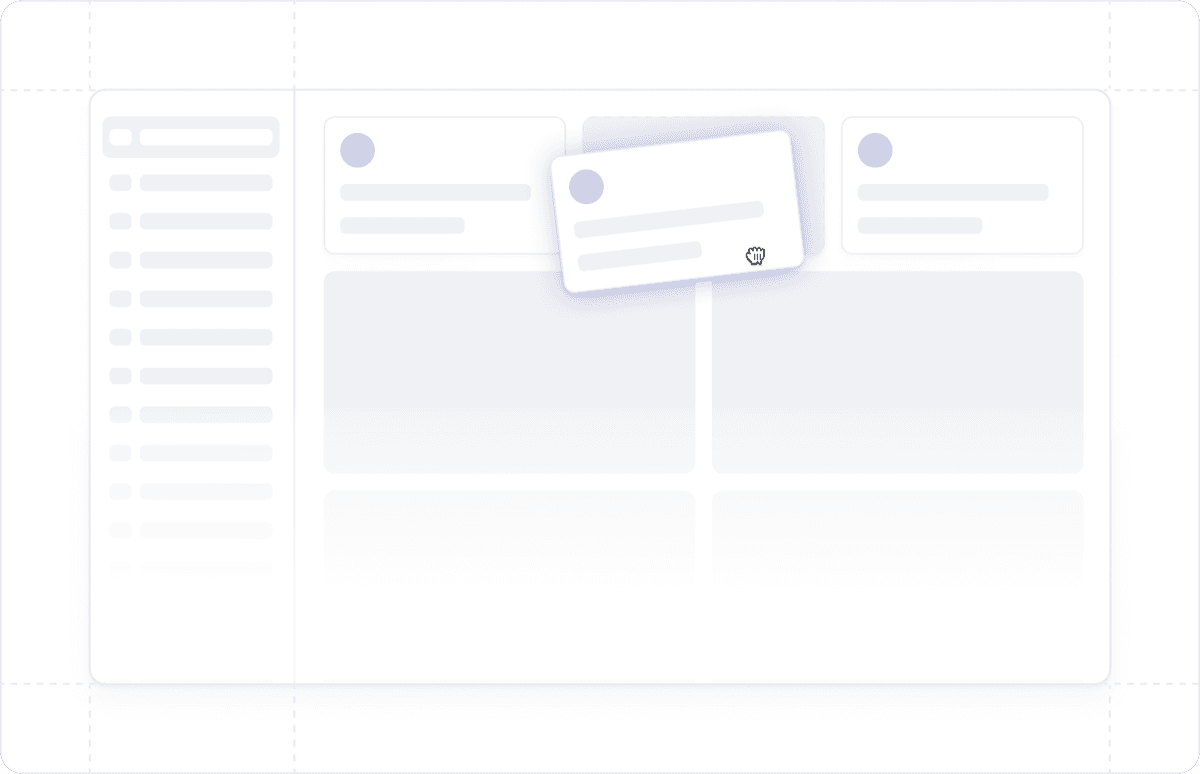
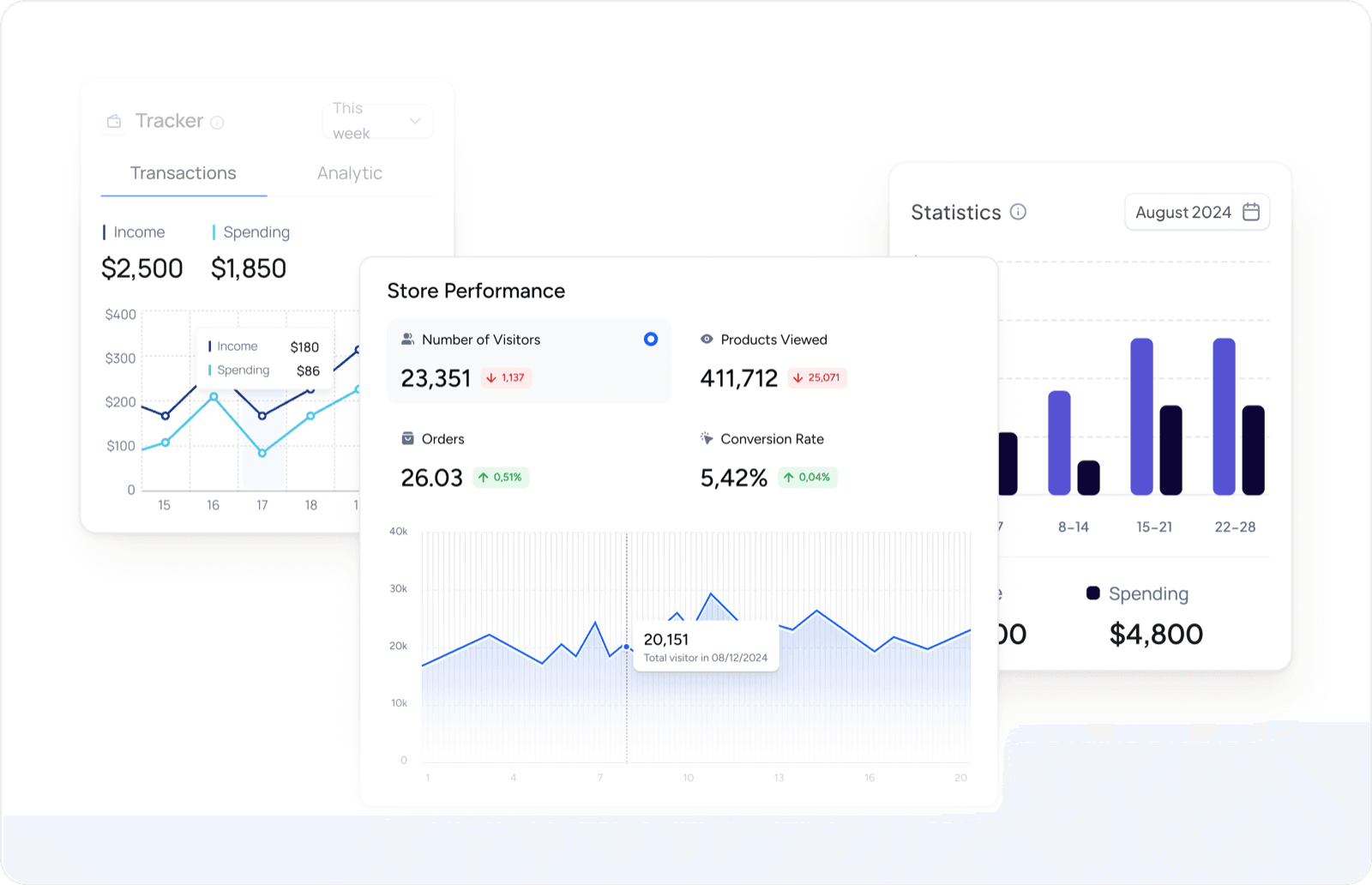
Reports and dashboards as needed
Proactively design reports and dashboards to have a 360° view of customer data and sales activities.
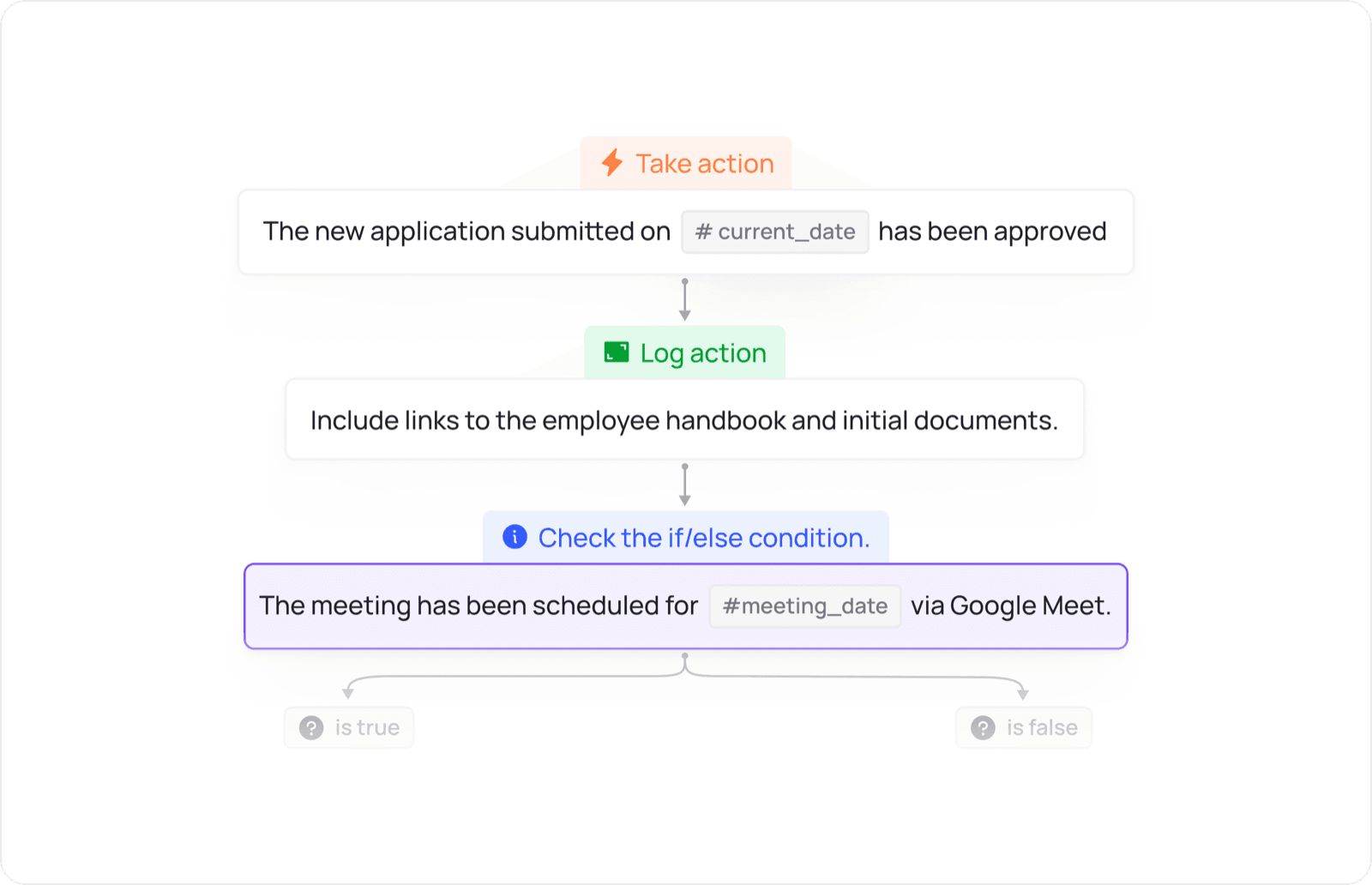
Powerful process orchestration with Cogover Process
Design the flow of allocation, approval, reminders and inter-departmental actions according to the operating conditions of the business.
UNIFIED PLATFORM
Omni Channel sits at the center of a cross-application data flow
Data and actions move between apps according to configured workflows.
 Omni Channel


