Invoice with source documents attached
Create and link customer and supplier invoices with appropriate sales orders, purchase orders or return orders.
Reconcile accounts receivable and payable to the correct transaction that created it.
Cogover Finance
Connect sales orders, purchase orders and internal requests with invoices, debts, revenues and expenditures, budgets and cash flow forecasts. Each number can be traced back to documents and related allocations.
Explore how Cogover connects finance data and workflows on one unified platform.
Watch on YouTubeFEATURE HIGHLIGHTS
Create and link customer and supplier invoices with appropriate sales orders, purchase orders or return orders.
Reconcile accounts receivable and payable to the correct transaction that created it.
Track paid amount, remaining amount and debt status by customer or supplier.
Know clearly which accounts are due and which accounts need to be handled together.
A receipt or payment voucher can be allocated to many documents according to established rights and rules.
Reduce manual reconciliation when an amount involves many invoices.
Record, allocate, deduct deposits from debts and process remaining refunds.
Clearly track the available deposit balance for each customer.
Track requests, payment vouchers, advance payments, settlement and differences in receivables or additional expenses.
Know clearly the open advance payment and the old unsettled account.
Operate the full flow from purchase request, approval, purchase order, receipt to payment; Or use shortened stream for simple needs.
Choose the appropriate control level for each type and value of shopping.
Reserve, release and record budget usage by period, department and expense type.
Introduce budget control at the right time when requirements arise.
Synthesizes multiple sources by period and allows detailed viewing of documents constituting each forecast line.
Exchange forecasts based on declared data and assumptions.
HUMAN–AI
AI supports discovery, synthesis and preparation of plans; Humans check documents and hold approval rights; Cogover saves the data source and processing history.
AI helps finance teams start their workday from a list with context instead of going through each invoice.
Collect invoices, remaining balance, due date and collection history.
Summary of overdue items, values needing attention and customers needing to contact in advance.
Check disputes, payment commitments and customer relationship context.
Create reminders, record contact results and update follow-up steps.
Exception is raised to the correct person; AI does not change financial documents on its own.
Link receipts and payments, invoices and source documents according to rules.
Indicates an amount, description, or allocation that differs from the usual pattern.
Compare documents, discuss with the preparer and decide how to handle.
Records the handler, decision, status, and before–after value of the field being tracked.
Managers see both numbers, sources, and assumptions before making decisions.
Select the period, revenue-expenditure line or scenario that needs clarification.
Collect debts, payment schedules, orders and constituent adjustments.
Summarize primary sources and prepare options if an assumption changes.
Assess risks, adjust assumptions and approve financial actions.
FLEXIBLE CUSTOMIZATION

Freedom to design data, interfaces and processes that suit the way the business operates, without being constrained by a fixed software structure.
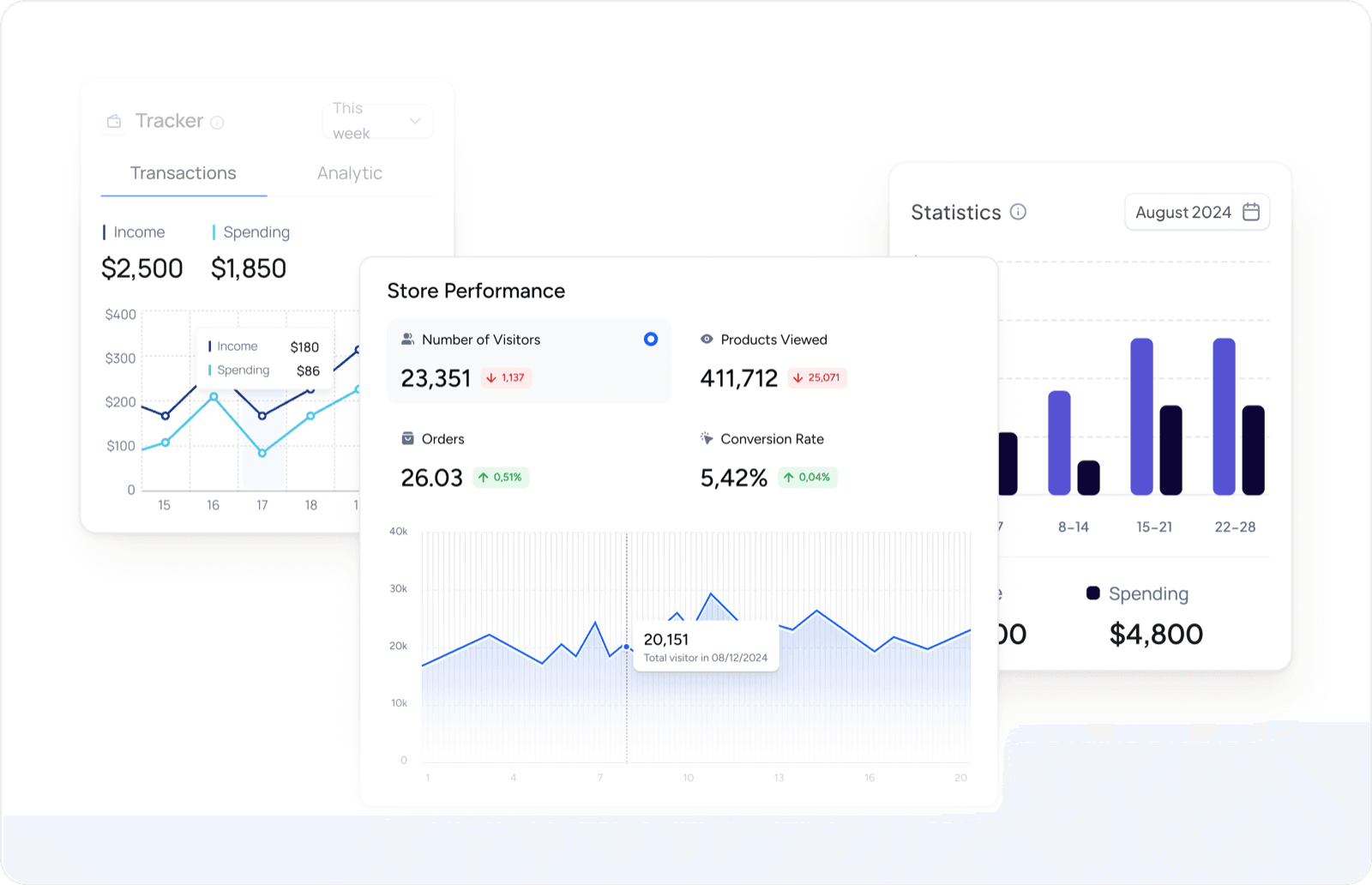
Proactively design reports and dashboards to have a 360° view of customer data and sales activities.
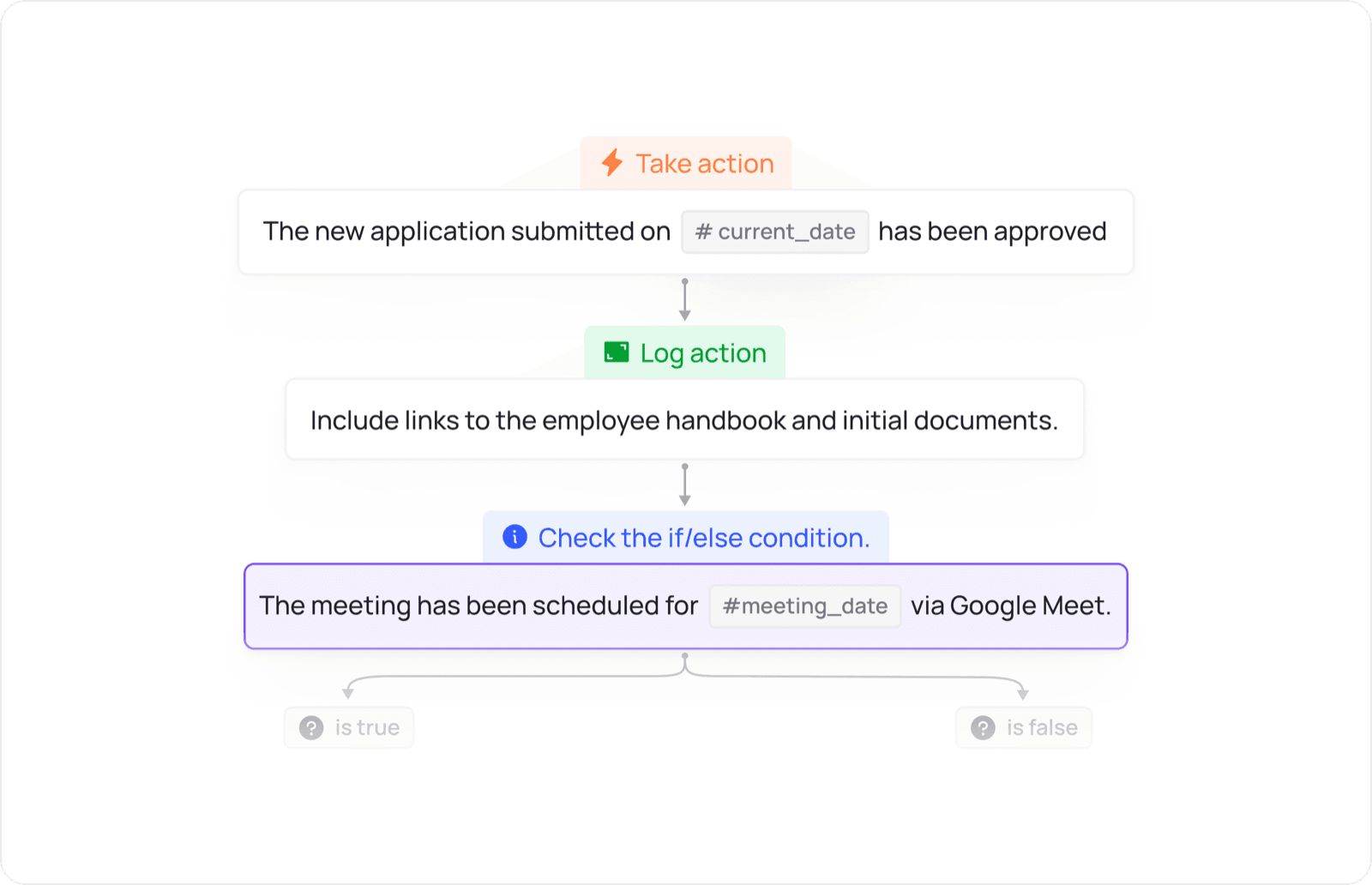
Design the flow of allocation, approval, reminders and inter-departmental actions according to the operating conditions of the business.
UNIFIED PLATFORM
Data and actions move between apps according to configured workflows.
Bring one chain of sales, purchasing or cash documents to define how data and control points should connect.
 Finance


