Multi-warehouse, multi-location
Organize warehouse trees, locations and multi-step import-export routes according to the way the business operates.
Each ticket goes to the correct warehouse, correct location and correct established flow.
Cogover Inventory
Connect products, warehouses, locations, import-export-transfer slips and inventory on the same system. The operations team knows where the goods are, which steps they have gone through, and which orders they are related to.
Explore how Cogover connects inventory management with CRM on one platform.
Watch on YouTubeFEATURE HIGHLIGHTS
Organize warehouse trees, locations and multi-step import-export routes according to the way the business operates.
Each ticket goes to the correct warehouse, correct location and correct established flow.
Manage goods by quantity, lot or serial; Check the lot/serial according to the correct product.
Easy to trace the source of goods in import, export and return operations.
Manage import, export, return and transfer tickets with clear status, permissions and check steps.
Employees know what tasks are waiting and what conditions are lacking.
Can allocate goods according to FIFO, LIFO or FEFO and separate lines by batch and serial when configured appropriately.
Reduce time to find location and shipment for each warehouse release.
Record system number, actual count, difference and create corresponding adjustment flow.
Each difference has a link to the associated votes and outstanding movements.
Record fluctuations and support cost methods according to product configuration, warehouse and location.
Track balances and sources of cost formation on the same operational data.
HUMAN–AI
AI reads data and prepares plans; warehouse staff do physical inspection; Cogover keeps the rules, permissions, and history of each action.
From a natural language question to a proposal with data for the curator to review.
Inquire about the inventory of a product by warehouse, location or pending order.
Read details, holding numbers and related tickets according to access rights.
If there is a shortage, the sources of goods can consider and prepare requests for supplementation.
Check actual demand, adjust quantity and approve next step.
AI helps warehouse teams focus on tickets that need attention instead of scanning long lists.
Pending ticket collection, response level, lot/serial and delivery deadline.
Mark tickets with missing items, wrong context or at risk of delay according to approved criteria.
Check the actual number, location, and cause of each exception.
Update handlers, remind tasks and save status change history.
Inventory data is turned into a list of causes to be checked, discrepancies are not automatically eliminated.
Enter counts and notes for locations, lots or serials being inventoried.
Compare the system number with the count and link the most recent fluctuations.
Summarize discrepancies, point out unusual patterns, and prepare a checklist.
Verify the evidence and decide whether to apply the adjustment ticket or not.
FLEXIBLE CUSTOMIZATION

Freedom to design data, interfaces and processes that suit the way the business operates, without being constrained by a fixed software structure.
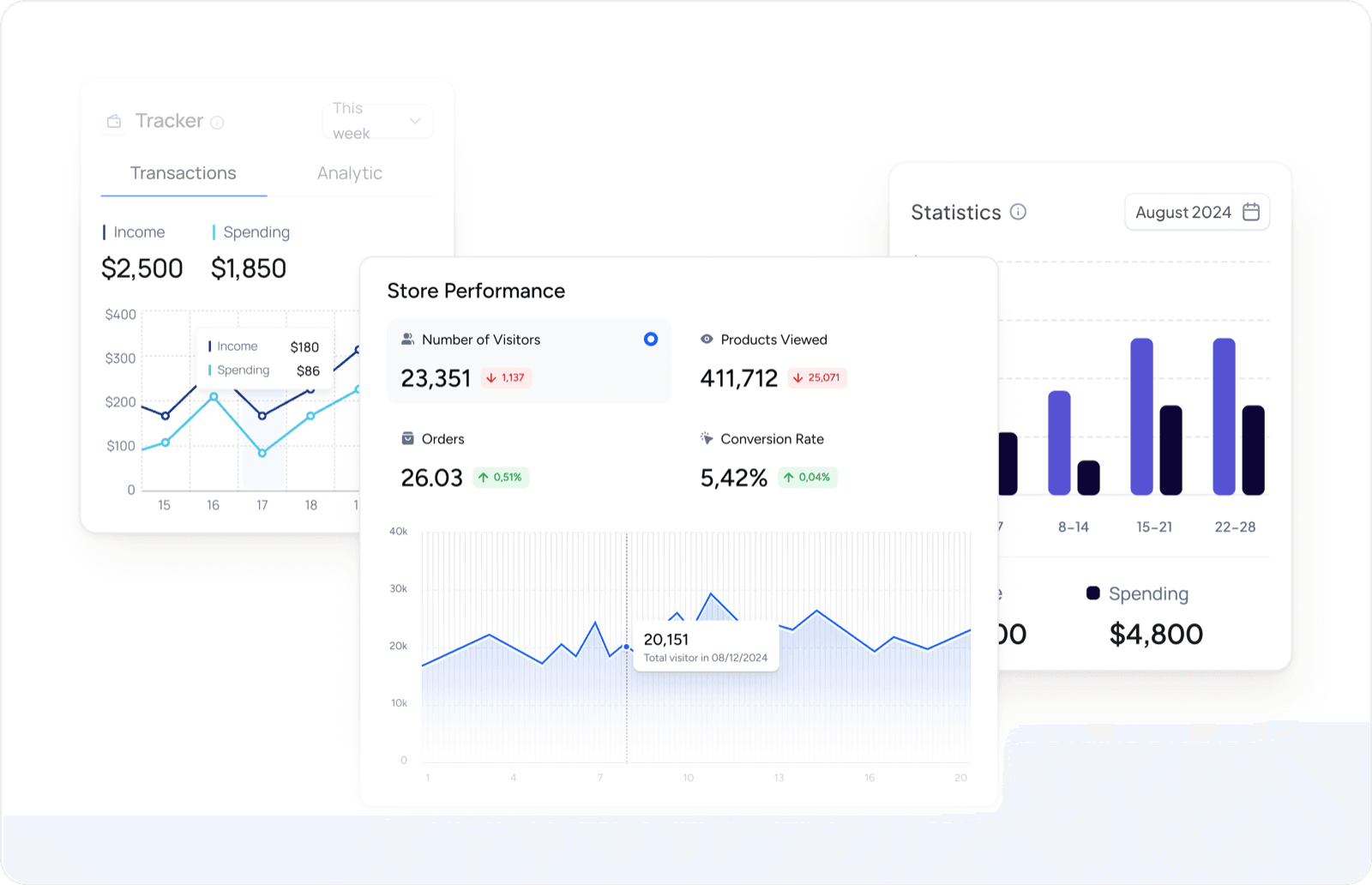
Proactively design reports and dashboards to have a 360° view of customer data and sales activities.
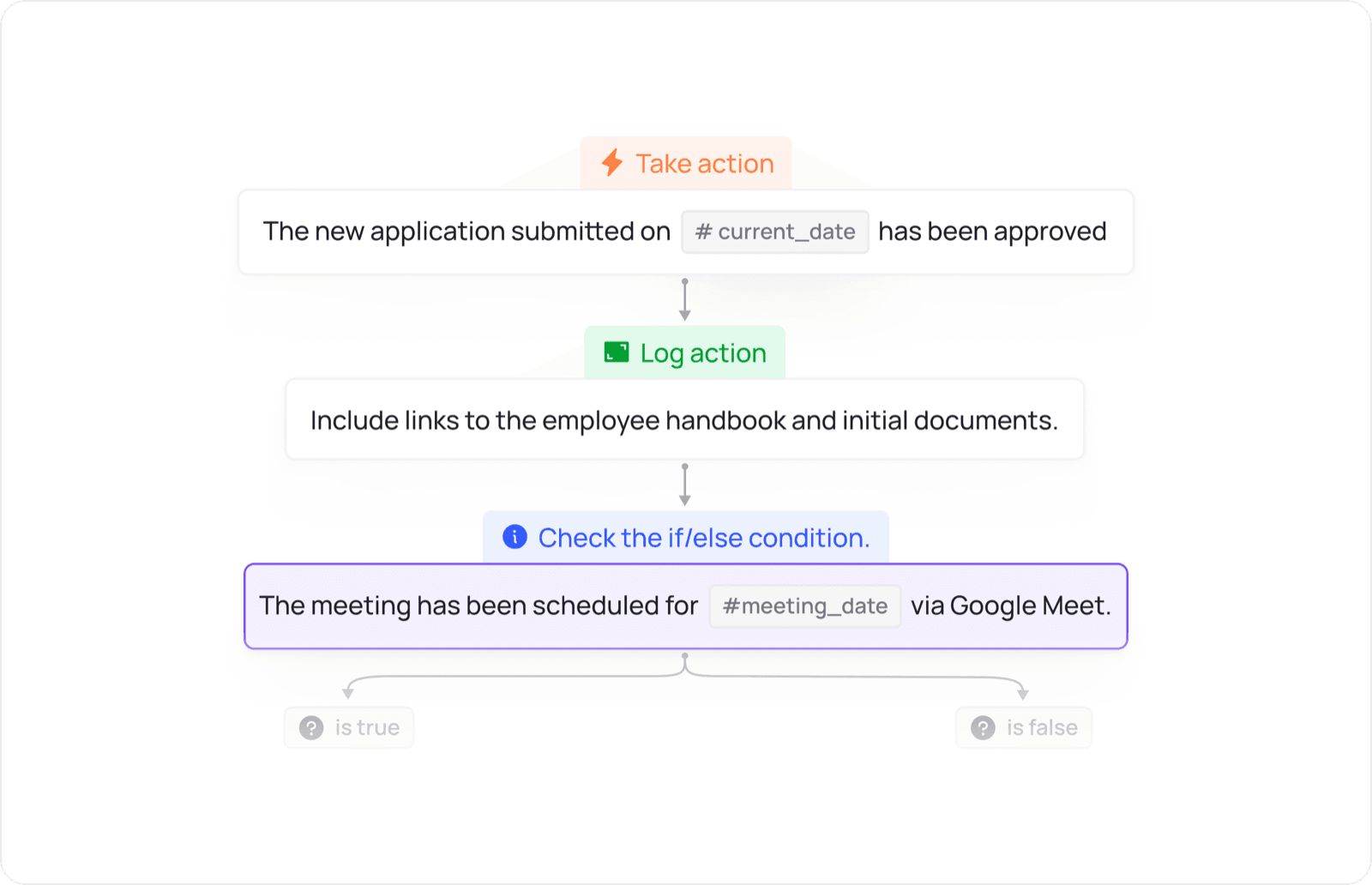
Design the flow of allocation, approval, reminders and inter-departmental actions according to the operating conditions of the business.
UNIFIED PLATFORM
Data and actions move between apps according to configured workflows.
Share your warehouse model, tracking method and one real inventory movement to design an appropriate demo.
 Inventory


