Consolidate Lead from multiple sources
Receive Leads from websites, forms, campaigns, Chat or integrated systems into the same processing flow.
See clearly the source, status and person in charge right from the first touch.
Cogover CRM
Powerful customization according to business needs. Automate appropriate steps to reduce manual work. AI helps teams process information and work more effectively.
Discover Cogover CRM on the official English Cogover channel.
Watch on YouTubeFEATURE HIGHLIGHTS
Receive Leads from websites, forms, campaigns, Chat or integrated systems into the same processing flow.
See clearly the source, status and person in charge right from the first touch.
Track value, products of interest, decision makers, expected close date, and next actions on each opportunity.
Keep full context so Sales focuses on the right opportunity.
Link Contact, Account, orders, contracts, quotes and interaction history in one unified record.
Every time working with a customer begins with all relevant information.
Connect Cogover Service to make calls from customer records and tie call history to the correct record.
Sales doesn't have to switch between CRM and separate call center tools.
Design the chain of allocation, reminder, approval and follow-up care according to the conditions of the sales process.
Reduce repetitive operations but still maintain human control points.
Save and manage calls, emails, meetings, notes, tasks, and customer interaction milestones.
The team keeps track of what happened and what to do next.
Set business goals for individuals, teams or each sales period and track progress directly from CRM data.
Compare actual results with plans, recognize gaps early and make timely adjustments.
Manage post-sale requests and link Tickets to related customers, transactions, orders or contracts.
Sales and customer service work together in one context.
HUMAN–AI
Each workflow can arrange different roles and action rights. AI can prepare, propose or make decisions within the scope of its authorization.
AI can make operating decisions within the scope and rights established by the business.
Check for duplicates, check for other rules and put Lead into CRM.
Read information, research Leads via the Internet, determine priorities/needs/classification and hand over according to configured criteria.
Receive leads that have been evaluated by AI, add context and reach customers via Email, Call,...
AI analyzes call recording files, Emails,... and recommends next actions.
Sales practices on the opportunity they are pursuing; AI critiques based on the business's opportunity context and sales criteria.
Select the Opportunity, sales stage, and content to practice such as presenting solutions, handling objections, or negotiating.
Provide customer profiles, stages, previous activities, products of interest and related data according to the correct access rights.
Play the role of a customer, ask questions, criticize the treatment and point out missing information or arguments.
Adjust the presentation, objection handling plan and commitments to be made during the actual exchange.
AI can create and adjust quotes within established limits; Sales keeps commercial decisions and commitments to customers.
Determine the product, quantity, term, payment method and desired discount level.
Read Opportunity data and product categories to create one or more alternatives that match pricing and discount rules.
Check the required data, save the version and trigger the approval step if the alternative exceeds the established threshold.
Choose the option, confirm the terms and decide on the official content to send to customers.
FLEXIBLE CUSTOMIZATION
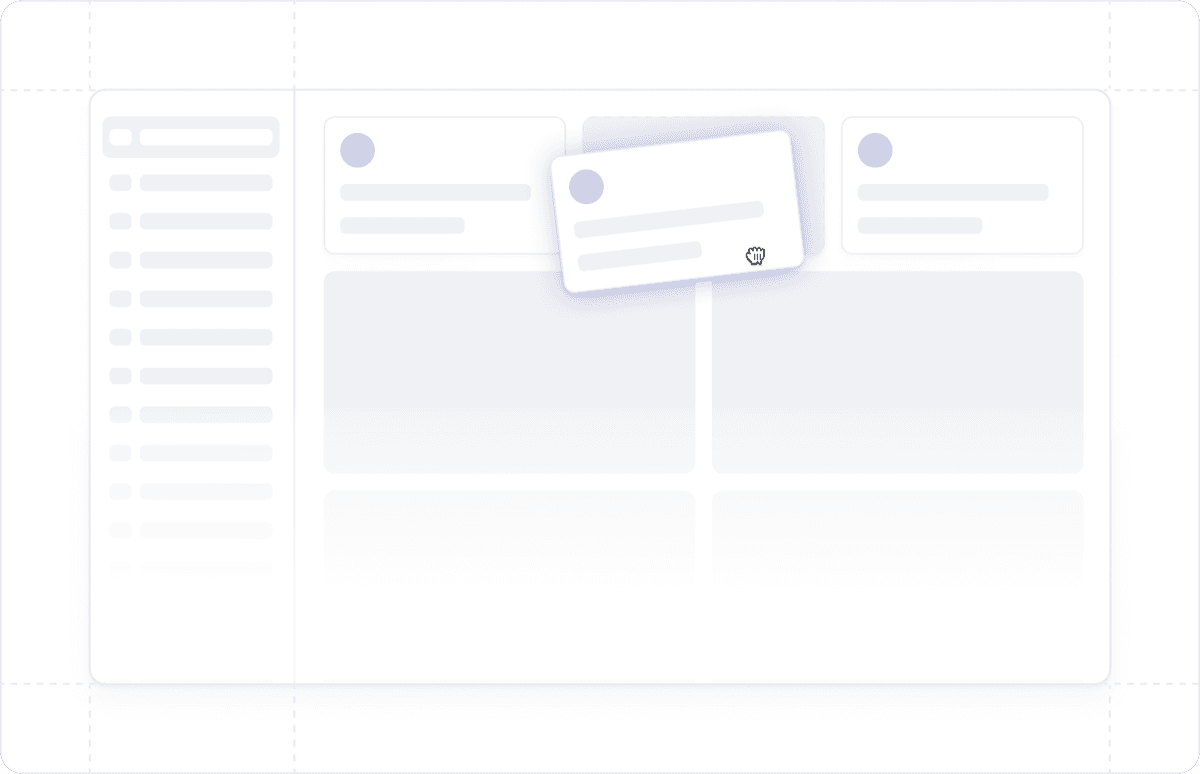
Freedom to design data, interfaces and processes that suit the way the business operates, without being constrained by a fixed software structure.
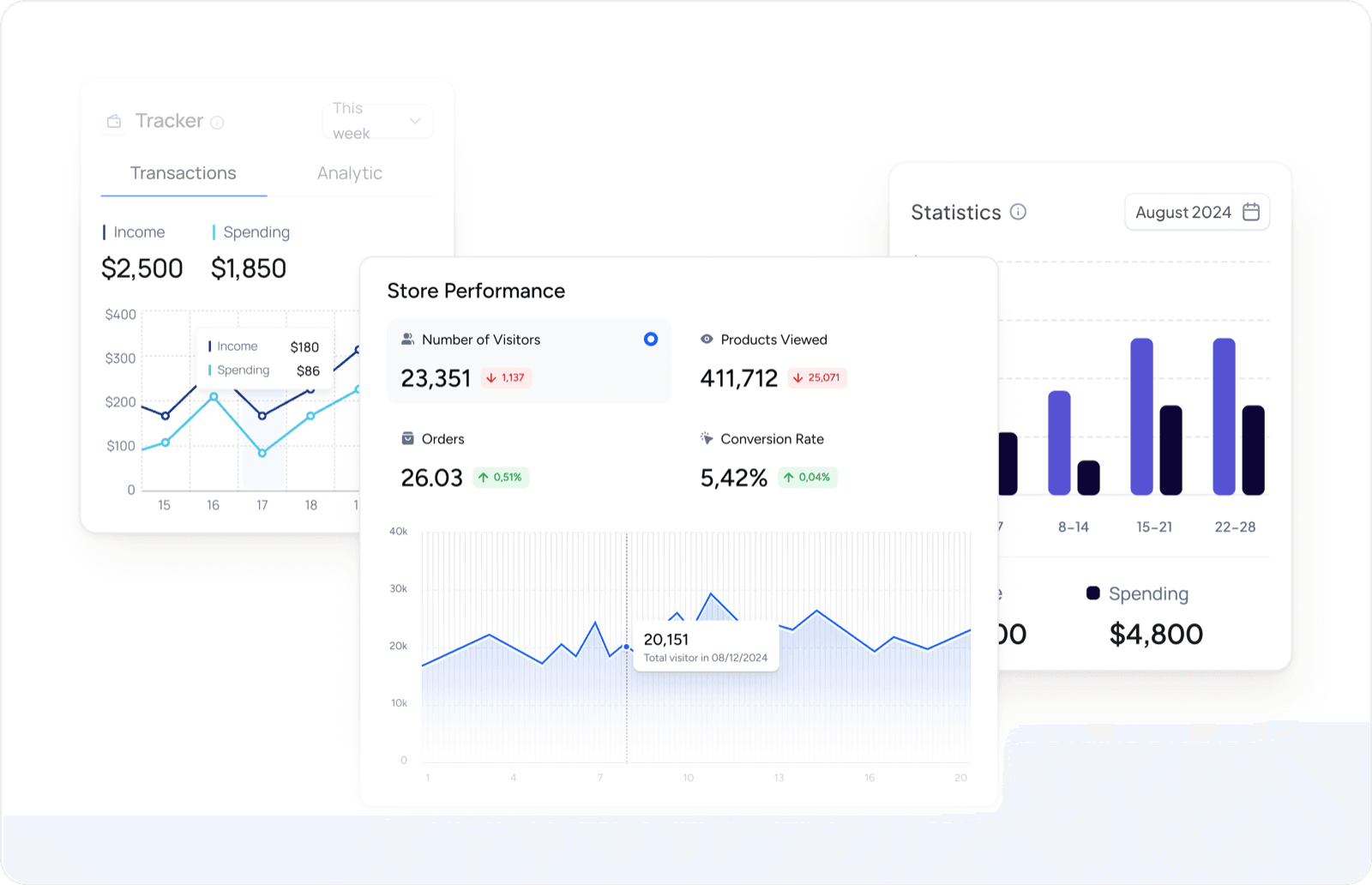
Proactively design reports and dashboards to have a 360° view of customer data and sales activities.
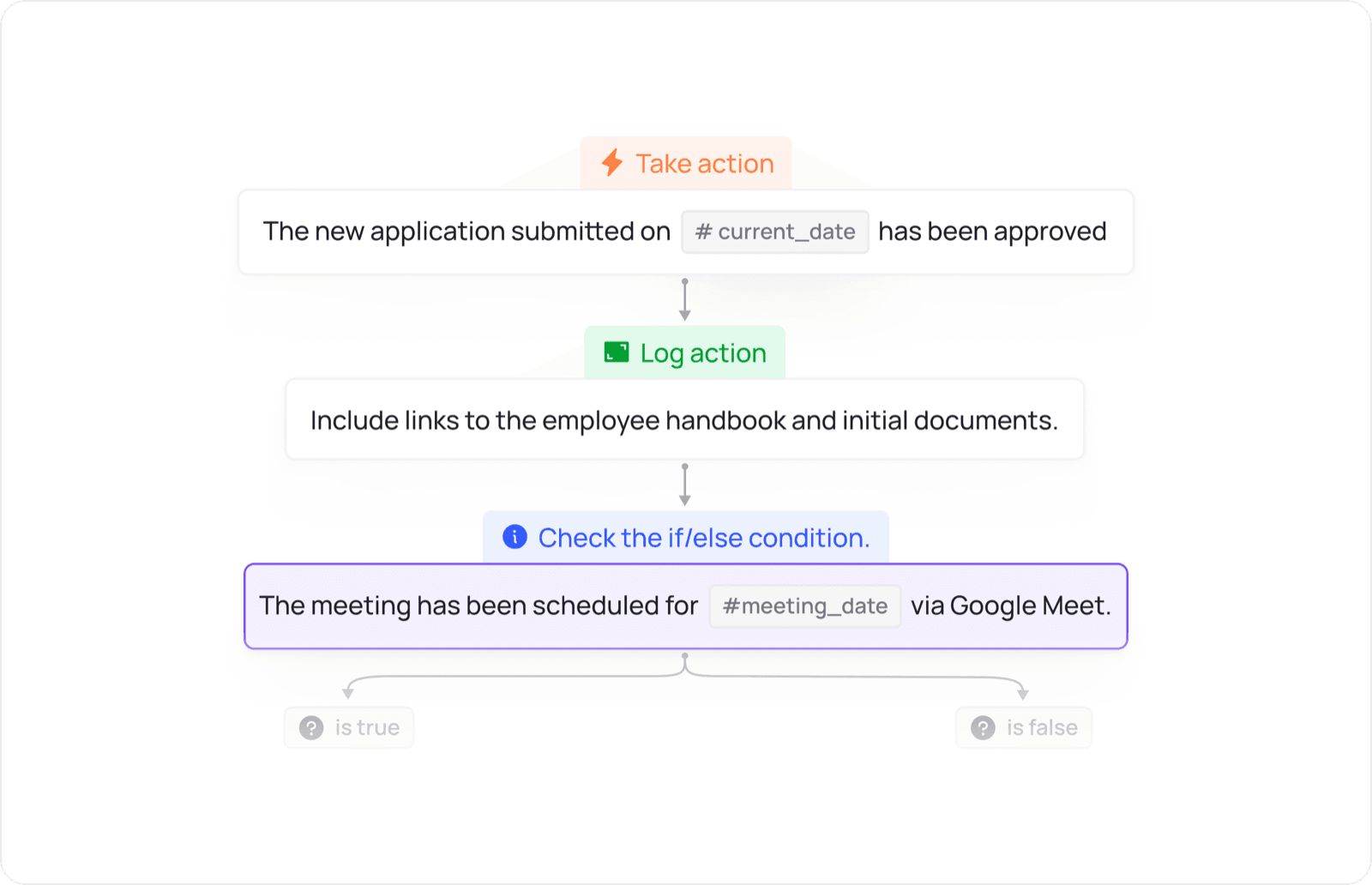
Design the flow of allocation, approval, reminders and inter-departmental actions according to the operating conditions of the business.
UNIFIED PLATFORM
Data and actions move between apps according to configured workflows.
Share your current sales goals and process. The Cogover team will recommend an appropriate CRM configuration.
 CRM
CRM


